记录一下mysqld_exporter的配置安装过程
下载
在Prometheus官网下载:https://prometheus.io/download/
github的地址:https://github.com/prometheus/mysqld_exporter
支持的版本:
MySQL >= 5.6
MariaDB >= 10.2
注意:并非所有收集方法都支持 MySQL/MariaDB < 5.6
1
2
|
$ wget https://github.com/prometheus/mysqld_exporter/releases/download/v0.14.0/mysqld_exporter-0.14.0.linux-amd64.tar.gz
$ tar -zxvf mysqld_exporter-0.14.0.linux-amd64.tar.gz -C /home/prome/
|
在mysql中创建账号
1
2
3
|
mysql>CREATE USER 'exporter'@'%' IDENTIFIED BY '123456' WITH MAX_USER_CONNECTIONS 3;

mysql>GRANT PROCESS, REPLICATION CLIENT, SELECT ON *.* TO 'exporter'@'%';
|
编写配置文件
注意:mysqld_exporter配置一般默认放置mysqld_exporter目录下,名为.my.cnf。
1
2
3
4
5
6
7
8
|
$ cd /home/prome/mysqld_exporter
$ vi .my.cnf
# 写入以下内容
[client]
host=172.16.77.43
port=3307
user=exporter
password=123456
|
启动服务
 1
 2
 3
 4
 5
 6
 7
 8
 9
10
11
|
$ ./mysqld_exporter --config.my-cnf=/home/prome/mysqld_exporter/.my.cnf
ts=2022-03-09T06:20:48.682Z caller=mysqld_exporter.go:277 level=info msg="Starting mysqld_exporter" version="(version=0.14.0, branch=HEAD, revision=ca1b9af82a471c849c529eb8aadb1aac73e7b68c)"
ts=2022-03-09T06:20:48.682Z caller=mysqld_exporter.go:278 level=info msg="Build context" (gogo1.17.8,userroot@401d370ca42e,date20220304-16:25:15)=(MISSING)
ts=2022-03-09T06:20:48.682Z caller=mysqld_exporter.go:293 level=info msg="Scraper enabled" scraper=global_variables
ts=2022-03-09T06:20:48.682Z caller=mysqld_exporter.go:293 level=info msg="Scraper enabled" scraper=slave_status
ts=2022-03-09T06:20:48.682Z caller=mysqld_exporter.go:293 level=info msg="Scraper enabled" scraper=global_status
ts=2022-03-09T06:20:48.682Z caller=mysqld_exporter.go:293 level=info msg="Scraper enabled" scraper=info_schema.innodb_cmp
ts=2022-03-09T06:20:48.682Z caller=mysqld_exporter.go:293 level=info msg="Scraper enabled" scraper=info_schema.innodb_cmpmem
ts=2022-03-09T06:20:48.682Z caller=mysqld_exporter.go:293 level=info msg="Scraper enabled" scraper=info_schema.query_response_time
ts=2022-03-09T06:20:48.682Z caller=mysqld_exporter.go:303 level=info msg="Listening on address" address=:9104
ts=2022-03-09T06:20:48.686Z caller=tls_config.go:195 level=info msg="TLS is disabled." http2=false
|
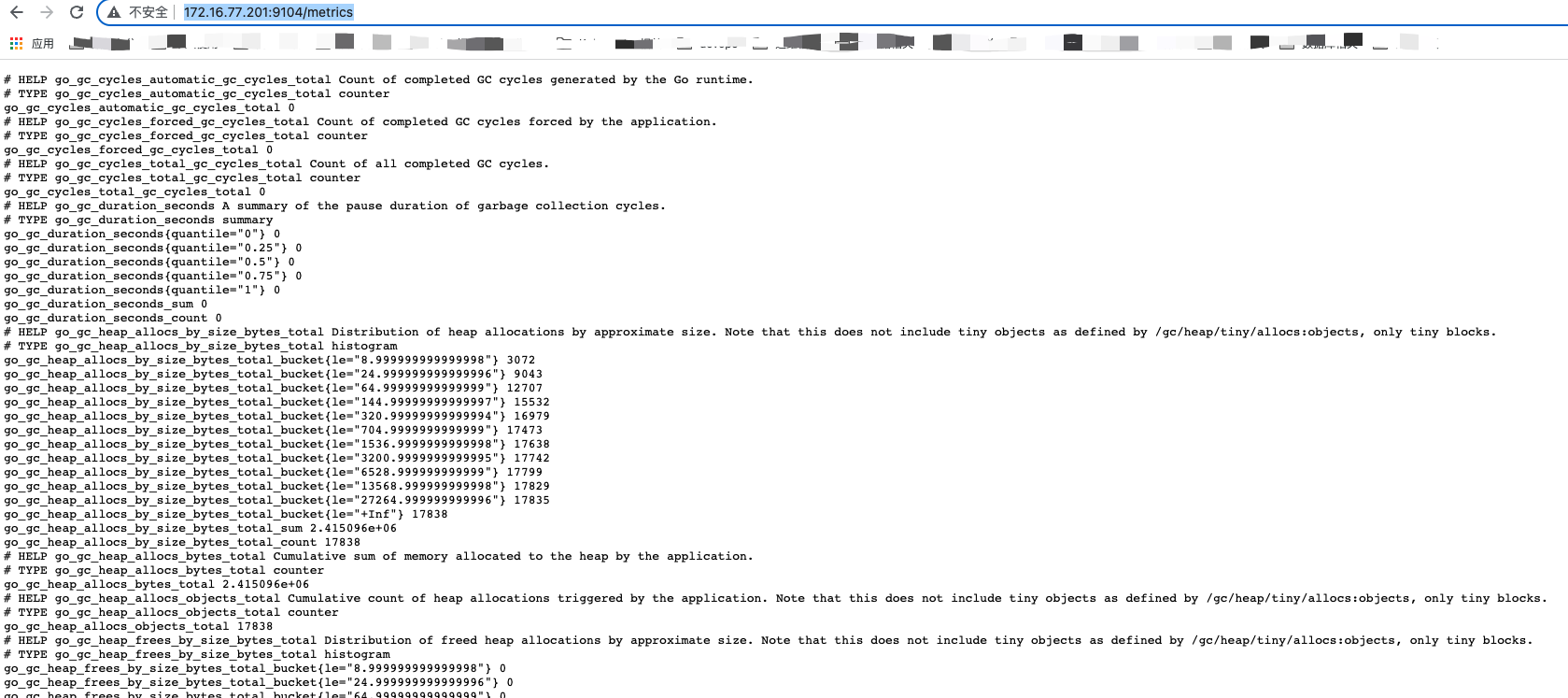
通过9104端口查看暴露的监控数据
将mysqld_exporter配置为系统服务
 1
 2
 3
 4
 5
 6
 7
 8
 9
10
11
12
13
14
15
16
17
|
$ vim /usr/lib/systemd/system/mysqld_exporter.service
# 写入以下内容
[unit]
Description=mysqld_exporter
Documentation=https://prometheus.io/
After=network.target
[Service]
Restart=on-failure
WorkingDirectory=/home/prome/mysqld_exporter
ExecStart=/home/prome/mysqld_exporter/mysqld_exporter
--config.my-cnf=/home/prome/mysqld_exporter/.my.cnf
[Install]
WantedBy=multi-user.target

$ systemctl daemon-reload
$ systemctl start mysqld_exporter.service
$ systemctl enable mysqld_exporter.service
|
 dylan
收录于 prometheus
dylan
收录于 prometheus
 支付宝
支付宝
 微信
微信